A prompter that follows you
Voice follow scrolls the script as you talk, and holds your place when you go off script.
In development · VPS testing
Follow your script, record lossless audio, and shape the finished mix with direct waveform edits, live meters and a compact podcast mixer. Your recordings stay on your own server.
Desktop editing · Mobile recording and review · Audio only

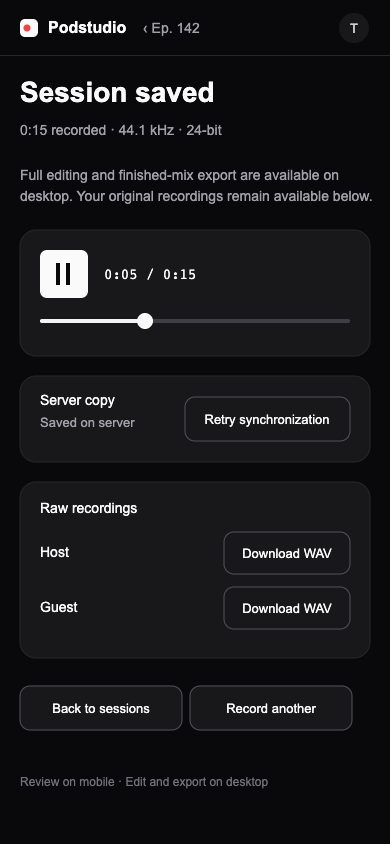
These captures are from the current build and use the same black, zinc and signal-color system as the app.
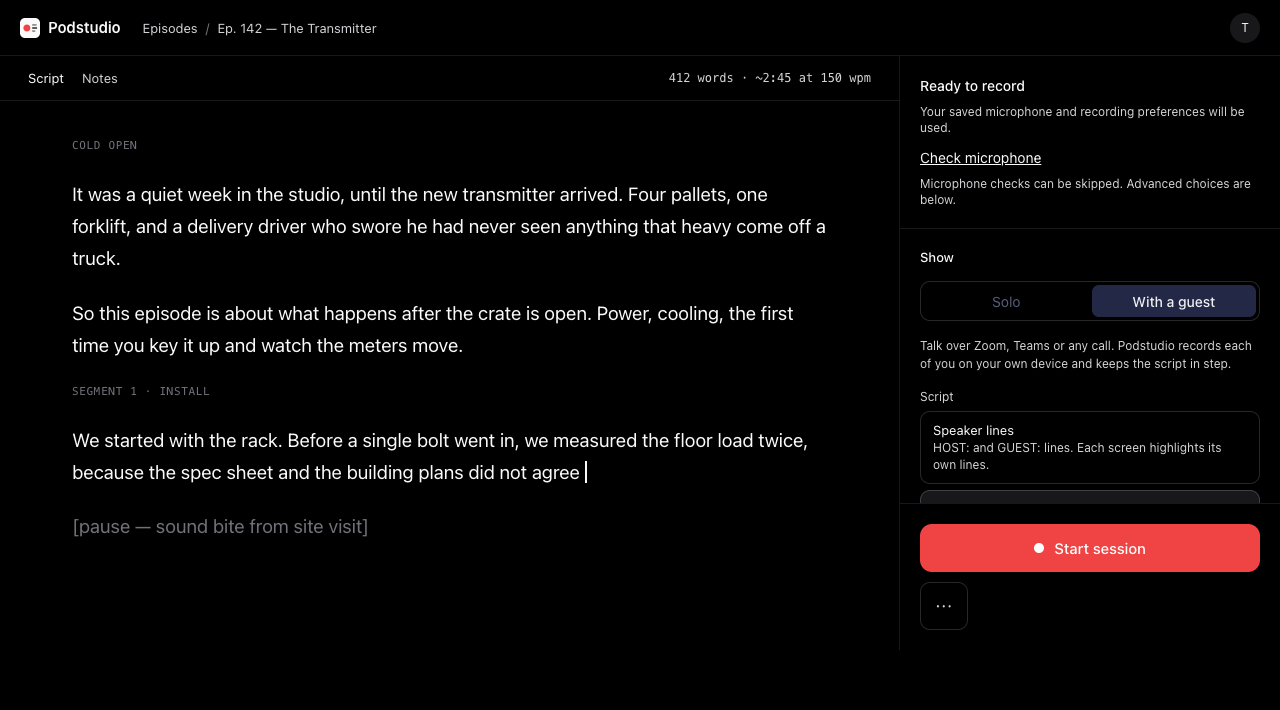
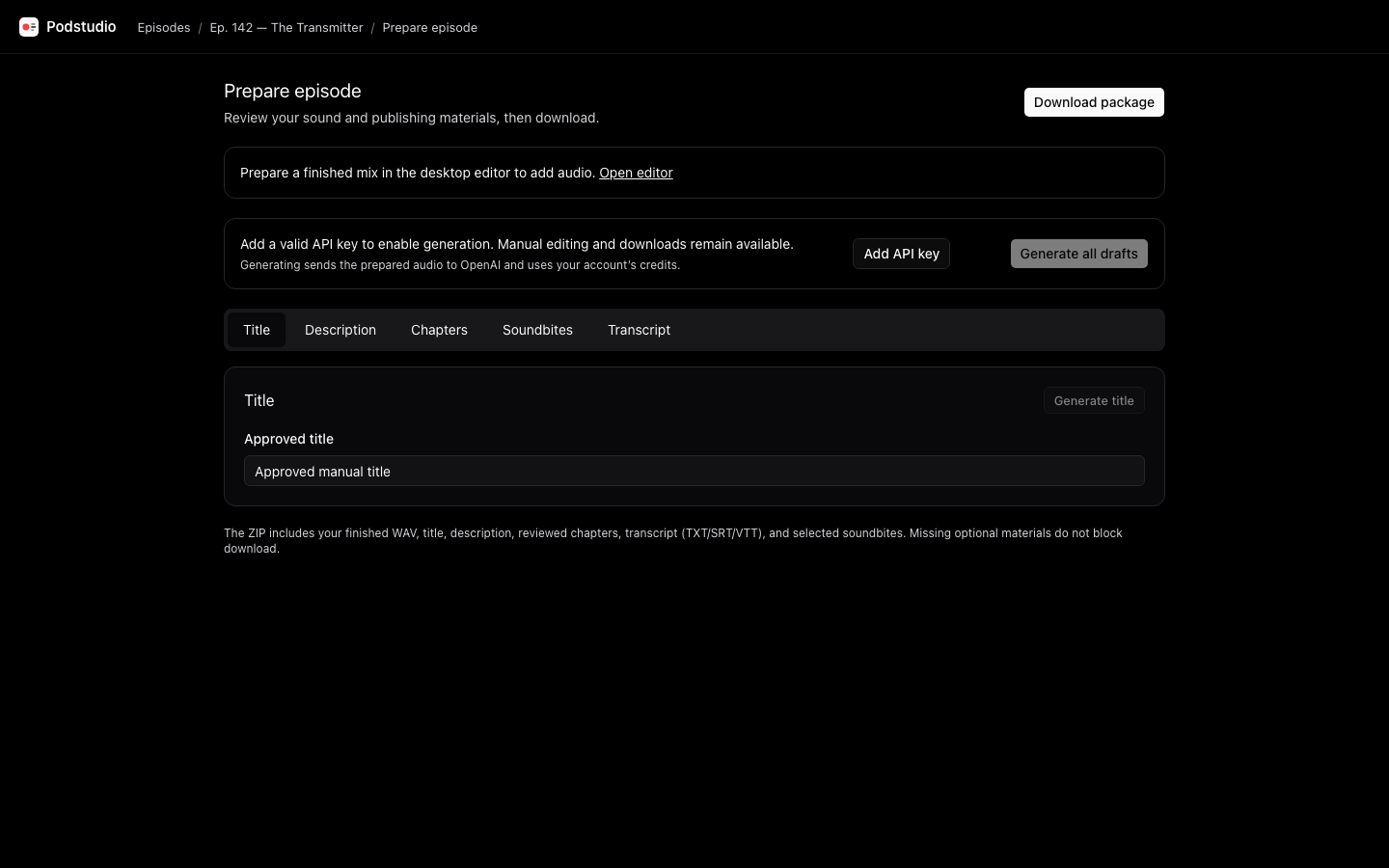
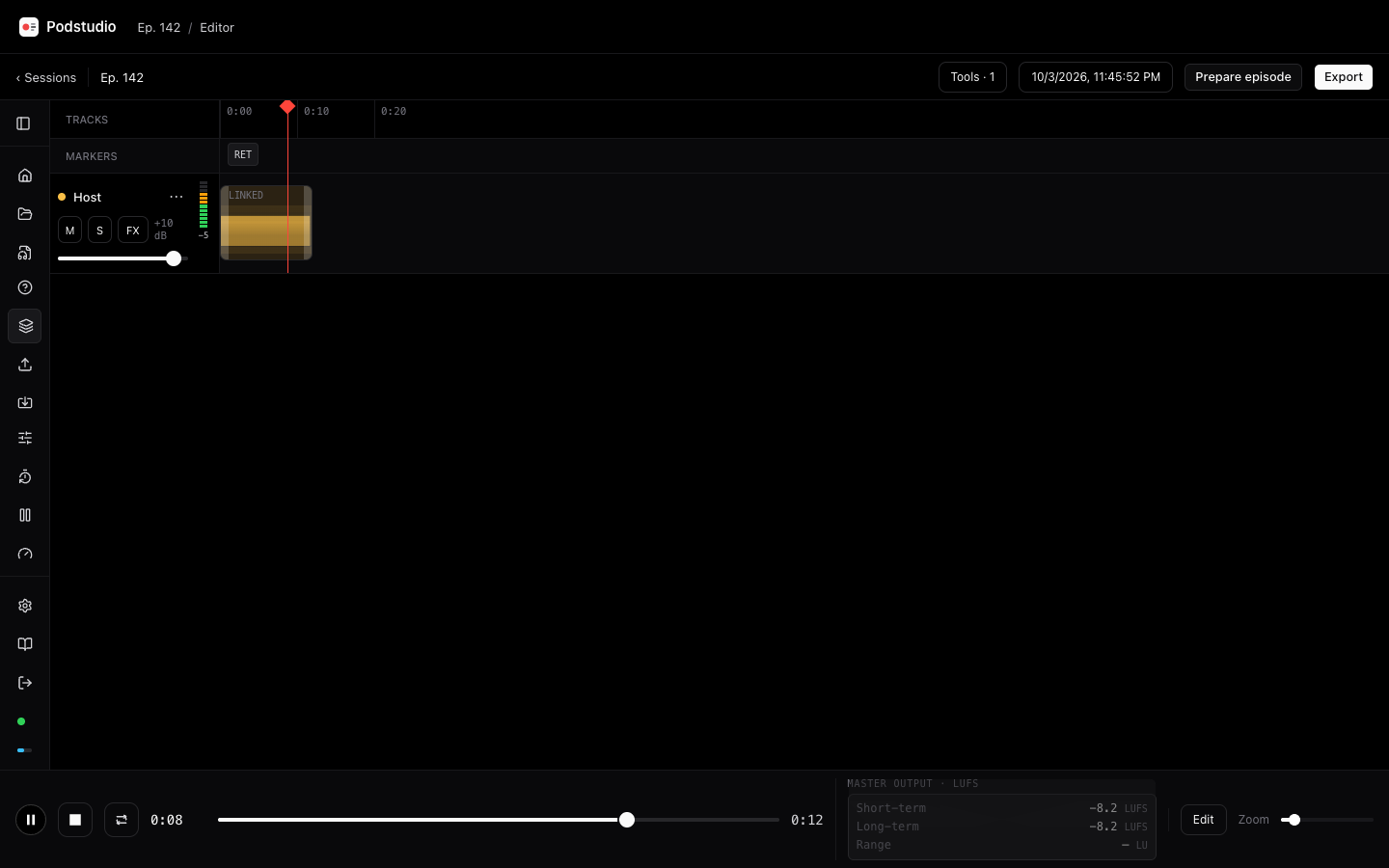
Voice follow scrolls the script as you talk, and holds your place when you go off script.
Mono or stereo WAV at 16 or 24-bit, saved every 5 s and sent to your server as you record.
Retakes, coughs and ad-libs appear on the timeline. Choose the attempt to keep and adjust the edit while the original recordings remain recoverable.
A 6-digit code and a waiting room. Your guest records on their own device, kept in sync with yours, while you talk on your usual call.
On desktop, nine sounds on the number keys, ducked under your voice and saved as their own track. Use session clips or upload your own sounds.
Click to select, drag to move, trim, split and crossfade synchronized tracks. Undo an edit, preview the full mix, and reopen your saved project without flattening the recording.
Every track notes its place on one session clock. Export corrects drift between devices, and every WAV carries Broadcast WAV timecode.
Clean, Shape and Boost keep processing simple. Open Advanced for vertical ten-band EQ and compression, then prepare a finished WAV, optional MP3 and aligned raw tracks.
One small server with two-factor sign-in, a guided installer, and no subscription. MIT licensed and self-hosted.
Track headers show processed peak dBFS. The master dock shows stacked left/right levels or short-term, long-term and range loudness.
Open a compact console for per-track faders, Mute, Solo, loop transport and a dedicated master fader without broadcast routing clutter.
Phones get a touch-friendly Session saved panel with scrubbing, upload retry and raw downloads. Finished editing and mix export stay on desktop.
Podstudio isn't released yet.
Recording, voice follow, guests, the desktop editor, mixer, metering and episode preparation are implemented. Real-world testing is under way on the lab VPS. Expect rough edges and changes between versions until the first release.
Yes, like cameras with timecode. Everyone in a session shares one clock, and every track notes where it is on that clock every 5 seconds. Before editing, Podstudio uses those points to correct the drift between devices and to fill any gap where a guest's audio dropped out, so the tracks stay lined up to the end. Every WAV also carries its start as Broadcast WAV timecode, so your editor can line the files up on its own.
Most professional ones can place a file at its Broadcast WAV timestamp, including Pro Tools, Reaper, Logic Pro, Cubase and Nuendo, DaVinci Resolve and Premiere Pro. You don't need it for a normal export: every file starts at the same moment and runs the same length, so dropping them all at the start of the timeline lines them up in any editor, Audacity and GarageBand included. Timecode helps when you trim or move files first, or bring in audio from a camera or another recorder.
The finished WAV includes your chosen takes, timeline edits, track processing and loudness settings. Add MP3 if needed. Presets target −16 LUFS stereo or −19 LUFS mono with a −1 dBTP ceiling; custom targets and normalization off are also available. Optional raw tracks preserve the original attempts and cough audio, with configured marker tones on the host track. Finished mixes contain no marker tones. Review and listen before publishing while Podstudio is in development.
No. It records; it doesn't carry audio between people. Talk on Zoom, Teams, Discord or a phone call while each person's device records their own mic, with headphones on so the call doesn't leak in.
Recording works without it, and saves every 5 seconds. Voice follow uses the browser's speech recognition: on-device recognition is used when available, otherwise the browser may use an online service. Guests need a connection to join and synchronize uploads.
Nothing: it's free and MIT licensed, with no paid tier. You run it on your own server, like a small VPS, which is where your recordings live.
Watch or star the repository to see new versions as they land.
Podstudio on GitHub